Animate. Simulate. React. All in One Place.
Create complex, FX-driven animations and synchronized multi-character choreography in minutes—without writing a single script. Direct dance duets, martial arts grapples, co-op takedowns, and companion summons with 0ms frame drift. MSMotion connects your animations, visual effects, secondary physics, multi-character choreography, and gameplay logic on a single shared timeline with real-time Scene View preview and zero runtime performance cost.
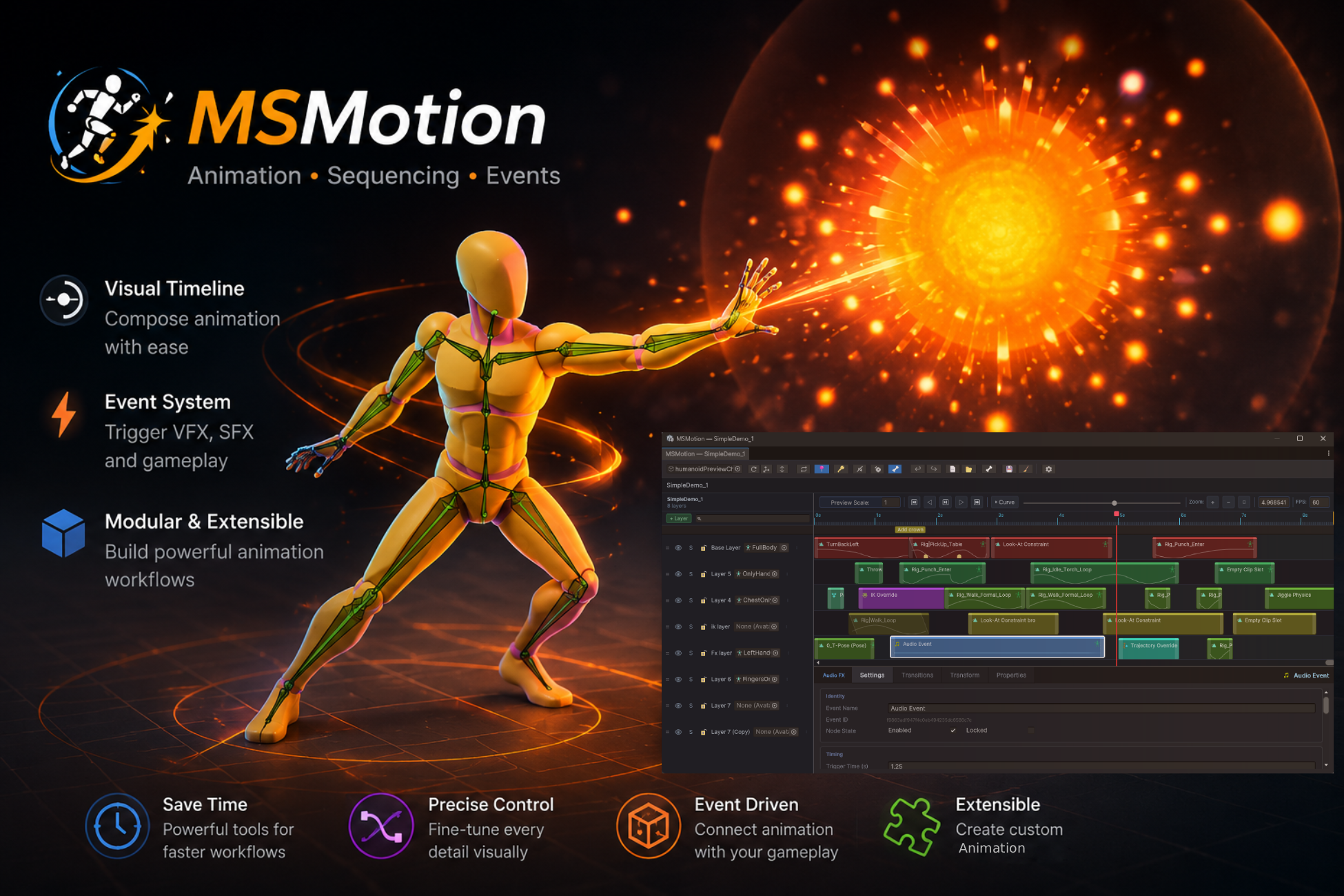
Intuitive & Powerful Features
Multi-Actor Choreography & Duets
Direct synchronized 2, 3+ character choreography (dance duets, grapples, shared lifts, combat finishers) with 0ms frame drift. Mix Humanoid and Generic creature/robot rigs in the exact same sequence.
Dynamic Summons & Lifecycles
Author ephemeral summons (weapons, familiars, dragons, or Stand avatars) with automatic timeline lifecycle nodes (SpawnActor / DestroyActor), bone attachments, and zero-allocation object pooling.
Dynamic Motion Warping
Pre-interaction approach locomotion automatically bridges starting distances, scaling movement speed and adapting to terrain normals so characters arrive at sync spots without foot sliding.
8 Frame-Accurate FX Lanes & Decals
Trigger pooled audio, particle systems, surface decals, VFX Graph, transform splines, spawns, camera shakes, and typed C# script callbacks frame-accurately on the shared timeline.
Cross-Actor Prop & FX Handover
Transfer weapons, torches, and spell effects between characters with phase-aware Scene View gizmos, interactive floating HUD bar, and real-time auto-keying.
Post-Export Interaction Overrides
Modify character body spacing (eliminating monster mesh clipping), swap clips, and fine-tune 4 dynamic alignment foldouts with 16px granular toggles—zero re-exporting and zero code modifications.
High-Performance Runtime (Zero GC)
Powered by Unity's low-level PlayableGraph API with 1-line async playback (MSMotionInteraction.Play), on-demand layers, dynamic avatar rebinding, and pre-warmed pooling.
Built-in Clip & Animation Editor
Extract FBX model animations into editable local .anim assets in 1 click. Crop/scale ranges, smooth curves (Median/Gaussian), remove redundant keys, and auto-key with live ghost preview.
Try the Interactive Windows Cinematic Demo!
Want to see the system in action before you buy? We have put together a highly polished, high-fidelity cinematic demo showcasing exactly how MSMotion drives complex FX and animation paths at runtime with peak Burst-compiled performance.
Note on Windows SmartScreen: Because this is an unsigned indie executable demo distributed outside a major launcher, Windows Defender may show a "Windows protected your PC" popup when you launch it. Simply click "More info" and then "Run anyway" to play.
Technical Details & Compatibility
Engine Support
Unity 6 and above
Rig Types
Humanoid & Generic Rigs
Source Code
100% C# Source (No DLLs)
Integrations
Cinemachine · VFX Graph · Animation Rigging